
Artificial Intelligence (AI) is transforming the way we write code, debug, and ship software. Whether you’re a seasoned developer or just starting your programming journey, AI coding assistants can save you hours by suggesting code completions, finding bugs, and even generating entire functions.
But with so many tools on the market, which AI coding assistants are truly free and worth your time?
Need Fast Hosting? I Use Hostinger Business
This site runs on the Business Hosting Plan. It handles high traffic, includes NVMe storage, and makes my pages load instantly.
Get Up to 75% Off Hostinger →⚡ 30-Day Money-Back Guarantee
In this guide, we’ll walk you through 10 of the best free AI coding assistants you can start using today, plus links to help you get started quickly.
Why Use AI Coding Assistants?
Before we dive into the tools, let’s briefly explore why AI coding assistants are becoming so popular:
✅ Speed Up Development — AI can autocomplete repetitive code patterns, letting you focus on architecture and design. (Also see: The Most Lightweight Frontend Frameworks for 2025)
✅ Reduce Bugs — Intelligent code analysis can spot errors before you even run the code. (Check out: Best JavaScript Debugging Tools and Techniques for Developers in 2025)
✅ Learn Faster — Beginners can get real-time explanations and examples as they type.
✅ Support Multiple Languages — Many tools support Python, JavaScript, TypeScript, Java, C++, and more. (Read: Why TypeScript Will Dominate in 2025)
✅ Integrate Easily — Most AI assistants work as plugins in VS Code, JetBrains IDEs, or even in your browser.
Ready to level up your coding workflow? Let’s explore the top tools.
If you want more details with visuals, then see the pdf below(login required)
Download for Free!1️⃣ GitHub Copilot (Free Trial for Individuals)
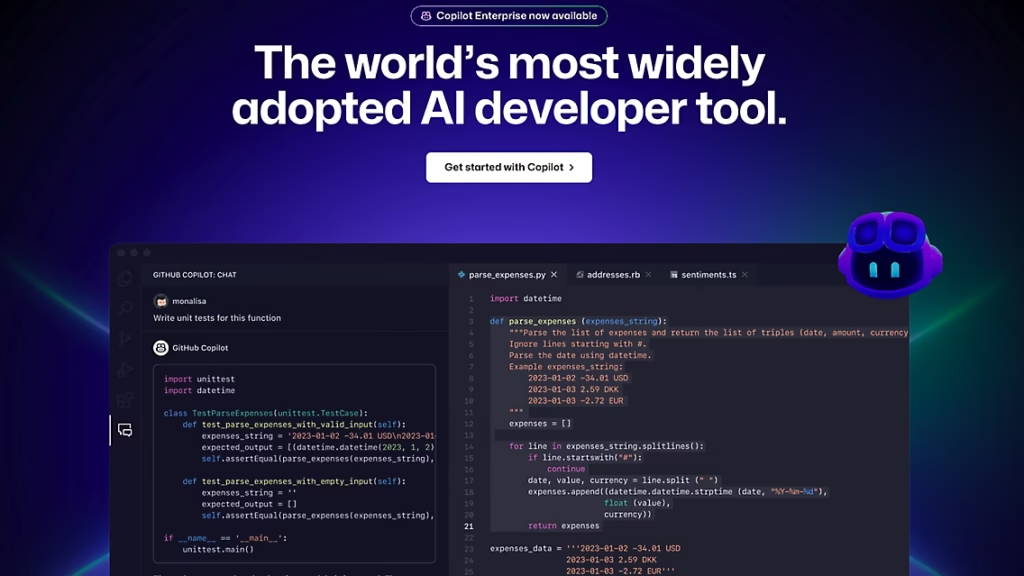
GitHub Copilot is arguably the most famous AI coding assistant. Trained on billions of lines of public code, it suggests entire functions, docstrings, and code snippets.
✅ Key Features:
- Autocompletes code intelligently in real time.
- Supports dozens of programming languages.
- Integrates with Visual Studio Code, JetBrains IDEs, and Neovim.
💵 Pricing:
Copilot offers a free 30-day trial, and if you are a verified student or contributor to popular open-source projects, you may be eligible for free access.
🔗 Official Website:
GitHub Copilot
💡 Related: Cursor AI vs. GitHub Copilot: Which AI Coding Assistant is Right for You?
2️⃣ Codeium(Now Windsurf)
Codeium is a powerful free alternative to Copilot that has gained a lot of traction among developers.
✅ Key Features:
- Completely free for individuals.
- Autocompletes and generates code snippets.
- Supports 70+ languages.
- Works on VS Code, JetBrains IDEs, JupyterLab, and more.
If you want an always-free Copilot-like experience, Codeium is one of the best choices.
🔗 Get Started:
Codeium Free AI Assistant
💡 Must Read: Why Developers Are Switching from GitHub Copilot to Codeium in 2025
3️⃣ Tabnine
Tabnine has been around for years, offering AI-powered autocompletion trained on open-source code.
✅ Key Features:
- Basic autocompletion is free.
- Supports all major languages.
- Works in most popular editors.
💵 Pricing:
Free forever tier includes single-line code completions.
🔗 Download:
Tabnine AI Autocomplete
(You may also like: The AI Coding Stack That’s Quietly Saving Developers 20+ Hours a Week)
4️⃣ Amazon CodeWhisperer
Amazon’s entry into the AI code assistant space is called CodeWhisperer. It’s completely free for individual developers.
✅ Key Features:
- Supports Java, Python, JavaScript, and more.
- Deep integration with AWS services.
- Includes security scanning.
💵 Pricing:
Free for individual use, including commercial projects.
🔗 Learn More:
Amazon CodeWhisperer
(Also see: Best Hosting Providers for Developers (2025))
5️⃣ CodeGeeX
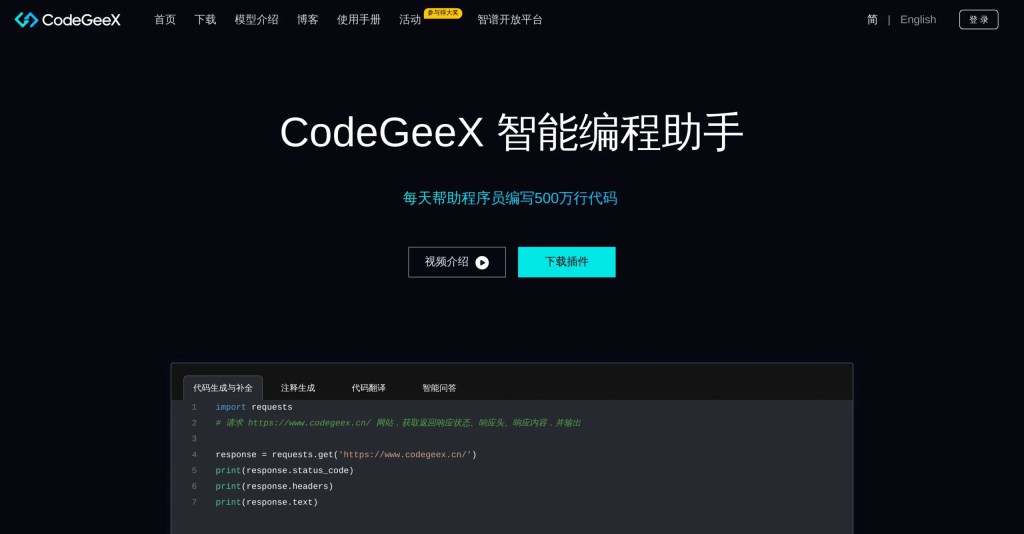
CodeGeeX is a lesser-known but highly effective multilingual AI code generator.
✅ Key Features:
- Supports over 20 programming languages.
- Offers code generation and translation between languages.
- Free VS Code extension.
🔗 Get It Free:
CodeGeeX on GitHub
6️⃣ Polycoder
If you love open-source tools, Polycoder is an open-source AI code generator based on GPT-2 trained specifically for C programming.
✅ Key Features:
- Open-source model you can run yourself.
- Focus on C language.
🔗 Official Repository:
Polycoder GitHub
(For privacy-conscious devs: Privacy-Focused Web Analytics Tools You Should Try in 2025)

7️⃣ Cursor
Cursor is a free AI-powered code editor built on top of VS Code with integrated Copilot-style autocompletion and chat.
✅ Key Features:
- Built-in AI coding chat.
- Free usage with some limitations.
- Supports multiple languages.
🔗 Explore Cursor:
Cursor AI Editor
💡 Compare: Cursor AI vs. GitHub Copilot (2025)
8️⃣ Replit Ghostwriter (Free Limited Usage)
Replit’s Ghostwriter is built into their cloud IDE.
✅ Key Features:
- Real-time suggestions and code explanations.
- Limited free credits for basic usage.
- Great for beginners learning online.
🔗 Try Ghostwriter:
Replit Ghostwriter
(If you’re considering career moves: Coding Bootcamp vs. Self-Taught: What’s Better in 2025?)
9️⃣ CodeGPT (OpenAI API)
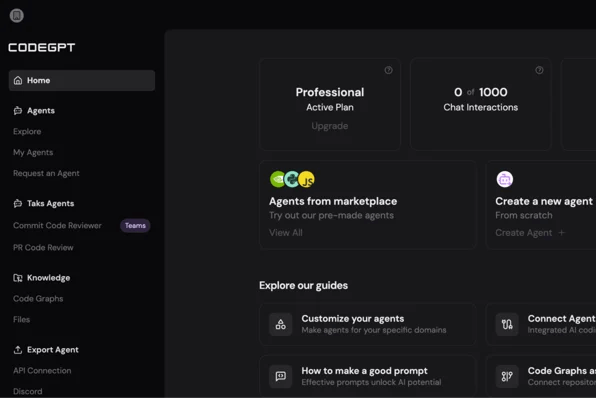
If you have an OpenAI API key (which offers free credits), you can use CodeGPT extensions in VS Code.
✅ Key Features:
- Chat with GPT-3.5 or GPT-4 about your code.
- Generate snippets, explanations, and refactoring.
🔗 VS Code Extension:
Code GPT
1️⃣0️⃣ OpenAI Playground
While not a plugin, the OpenAI Playground can serve as an AI coding assistant if you paste code and ask for completions or bug fixes.
✅ Key Features:
- Flexible prompt engineering.
- Free credits for new users.
🔗 Use Playground:
OpenAI Playground
(Also read: How Prompt Engineering is Redefining AI Model Performance in 2025)

How to Choose the Right AI Coding Assistant?
Here are a few tips for selecting the best tool for your needs:
🎯 Beginners: Start with Codeium or Tabnine. They are free and easy to install.
💻 Cloud IDE Users: Try Replit Ghostwriter.
💼 Enterprise Developers: GitHub Copilot (with trial) or CodeWhisperer are robust.
🛡️ Privacy Concerns: Self-host Polycoder or use the OpenAI Playground in a controlled environment.
(If you’re exploring future trends: Agentic AI: The Next Evolution of Artificial Intelligence)
Frequently Asked Questions (FAQ)
Q1. Are AI coding assistants safe to use?
✅ Most reputable tools are safe. However, be careful with sensitive or proprietary code—some services may log your input to improve models. Always read their privacy policies.
Q2. Can AI coding assistants replace developers?
❌ No. They are productivity tools that can speed up development and reduce repetitive work, but they cannot replace human creativity and problem-solving.
Q3. Which AI coding assistant is the best free option?
💡 Codeium is one of the best completely free solutions for individuals.
Q4. Can I use these tools offline?
⚠️ Most tools require an internet connection to communicate with their cloud-based AI models. If you need offline support, consider open-source options like Polycoder.
Q5. Do AI coding assistants support all programming languages?
✅ Many support popular languages like JavaScript, Python, Java, C#, Go, and Rust. Always check the official documentation to confirm compatibility.
(See also: Programming Languages That Will Be Dead by 2025)
Conclusion
AI coding assistants are no longer just experimental tools—they are transforming how developers build software every day. Whether you’re writing your first script or managing enterprise-scale projects, these tools can help you code faster, learn better, and ship more reliable software.
Try a few of the options above, and see which one best fits your workflow.
If you found this list helpful, share it with your fellow developers, and don’t forget to bookmark it for future reference.
👉 Next up: How AI Is Reshaping Dev Workflows: Copilot, Tabnine & More
Useful Resources
- GitHub Copilot
- Codeium
- Amazon CodeWhisperer
- Tabnine
- CodeGeeX
- Cursor
- Replit Ghostwriter
- OpenAI Playground
- Polycoder
Want more guides like this?
👉 Subscribe to DevTech Insights for free resources, tutorials, and tool reviews every week!


3 Comments
Good day! Do you know if they make any plugins to assist with Search Engine Optimization? I’m trying
to get my blog to rank for some targeted keywords
but I’m not seeing very good success. If you know of any please share.
Kudos!
Yes there is a tool for SEO optimization i.e. Rank Math. For Keywords Research, You can head to our free seo keyword generator tool.
[…] Top 10 AI Coding Assistants You Can Use for Free […]
Leave a Comment
Your email address will not be published. Required fields are marked *